


Audio and video gear is worth choosing when it makes sound travel, radios work, cables connect or a backyard announcement suddenly become everyone’s problem. LatestBuy’s range can include portable radios, Bluetooth speakers, AV leads, meters and megaphones, so the useful starting point is matching the gadget to the scene: shed listening, campsite music, home setup, PA moment, cable rescue or old-school radio charm.
























Recently viewed
Let customers speak for us
Audio and video by sound job, connection fit and practical gadget grin
Quick ways to narrow this collection
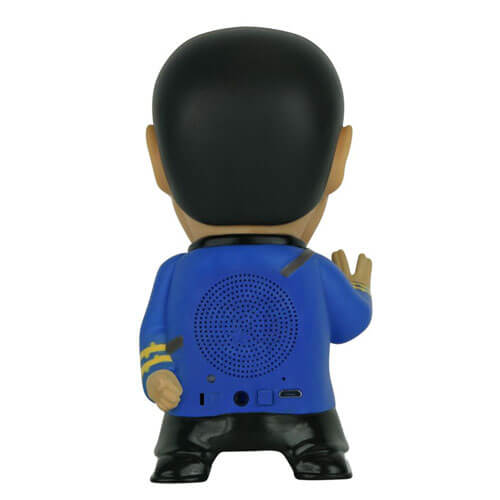
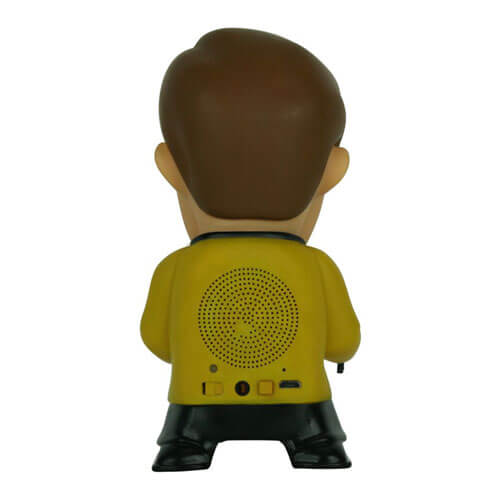
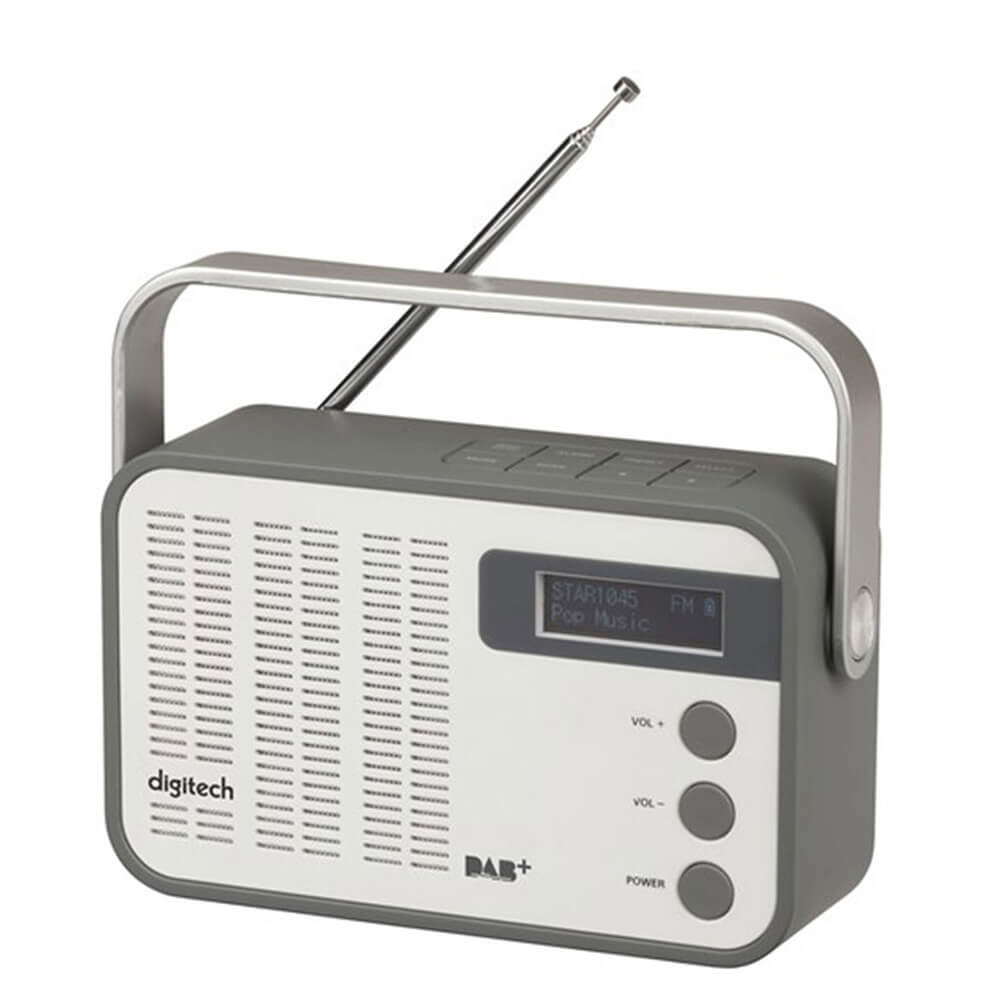
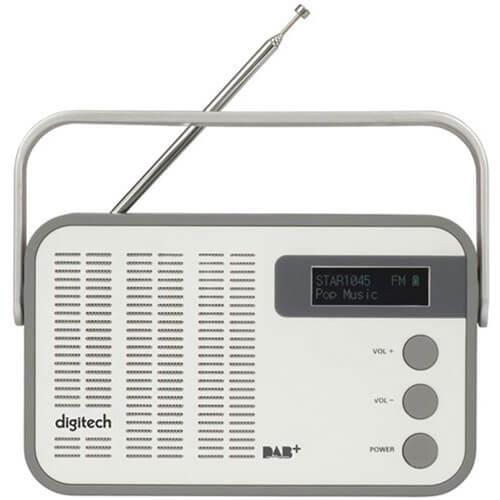
- For portable listening, check size, power source, radio bands, speaker type and water resistance where relevant.
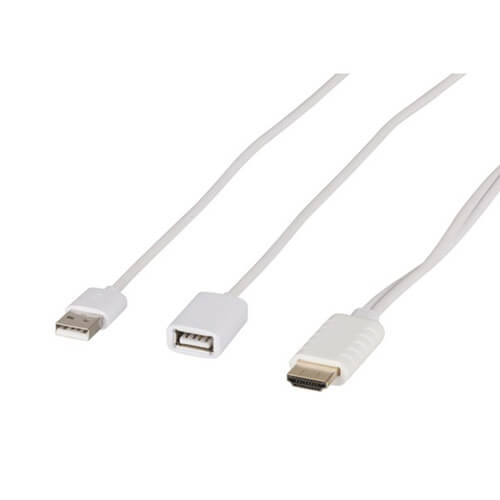
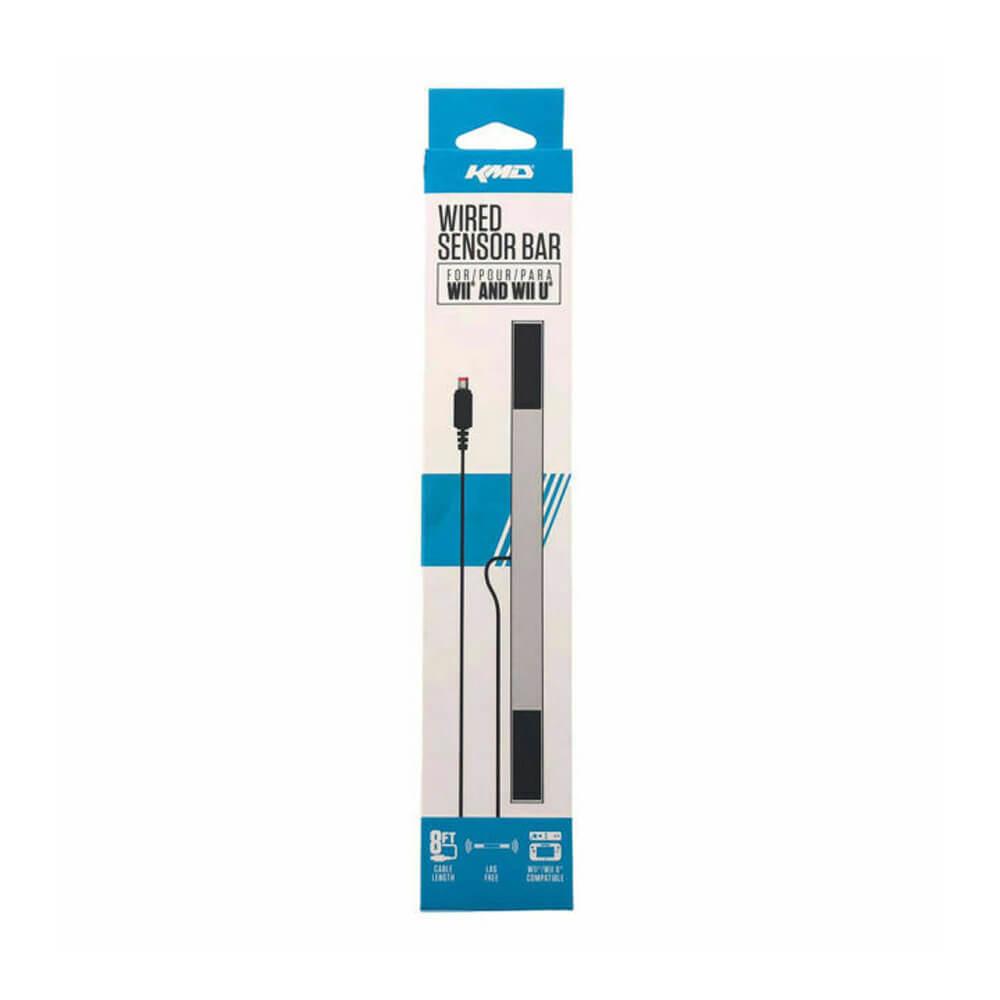
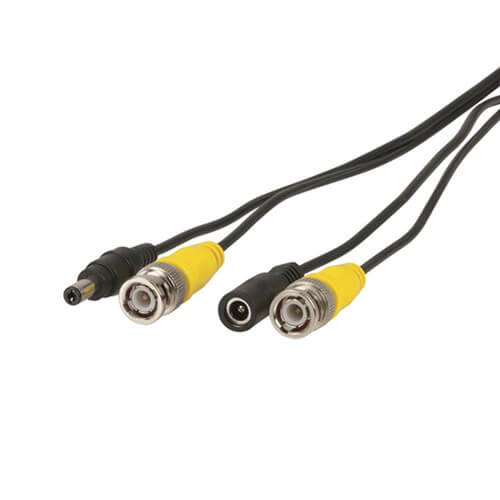
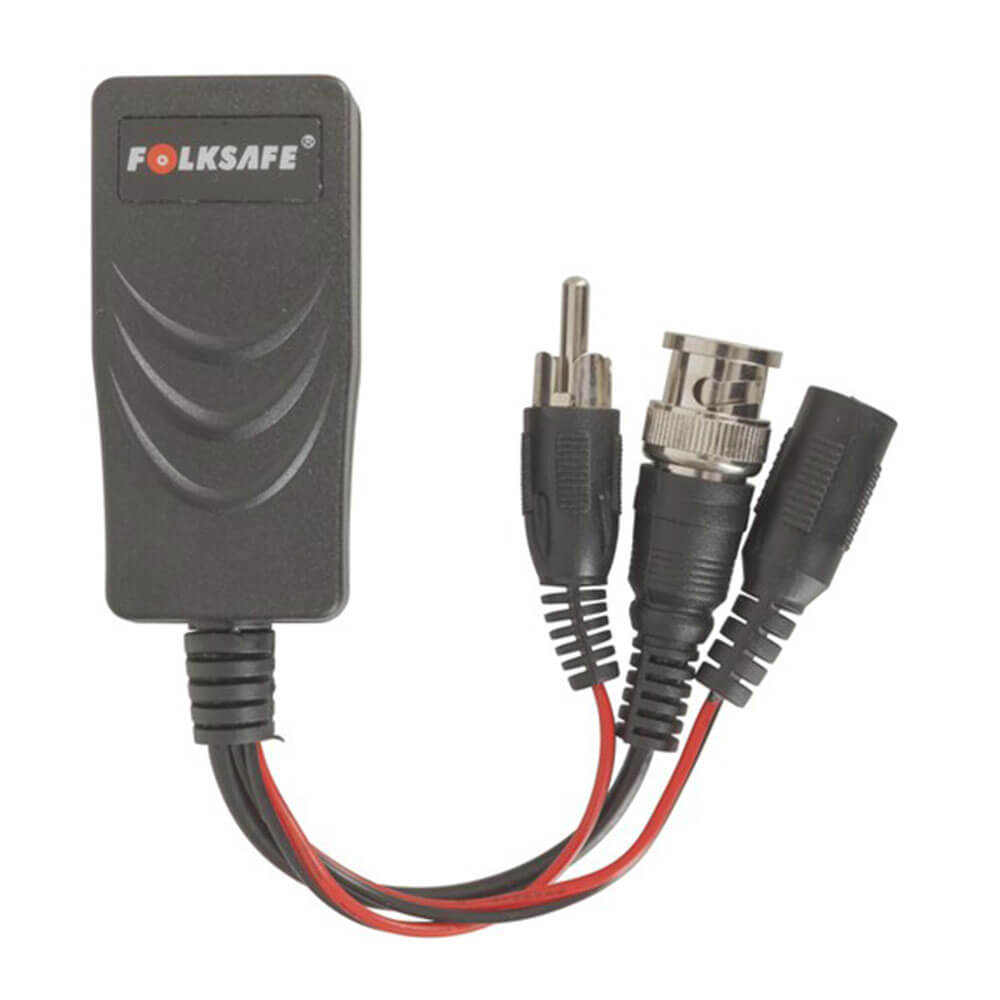
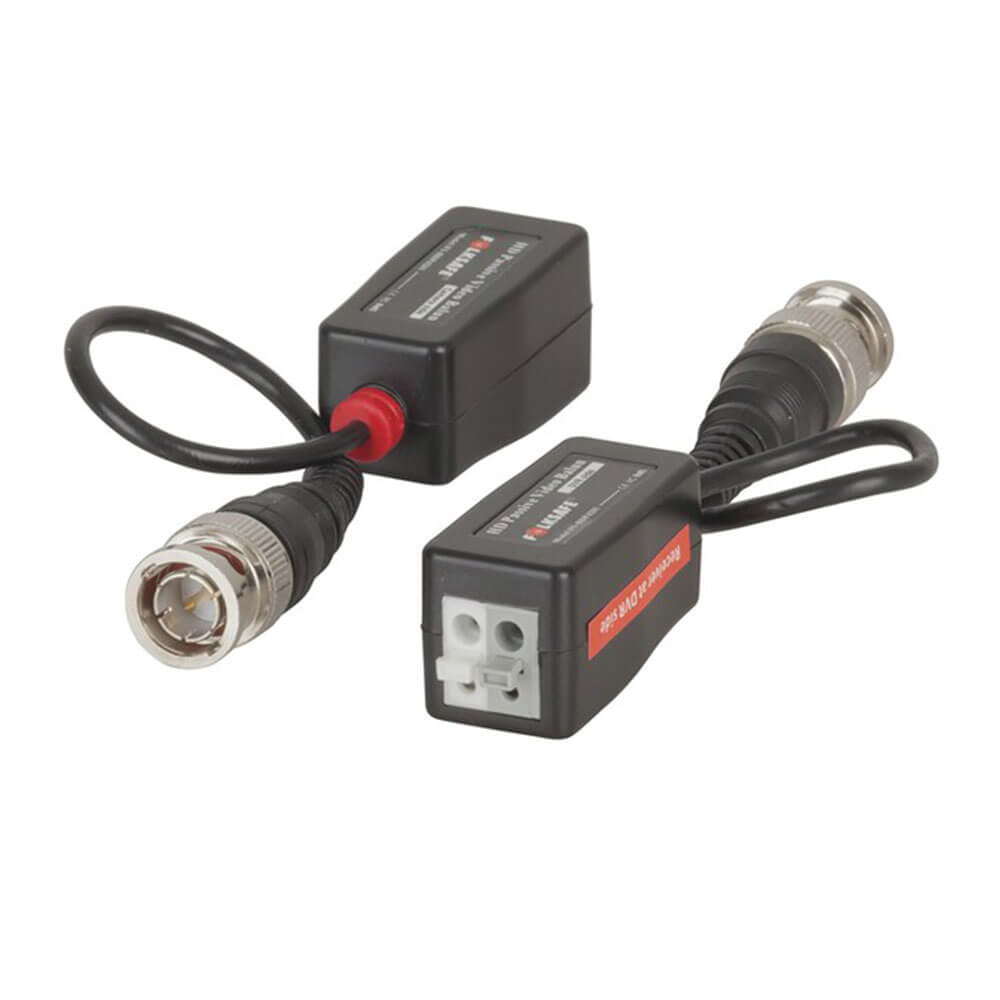
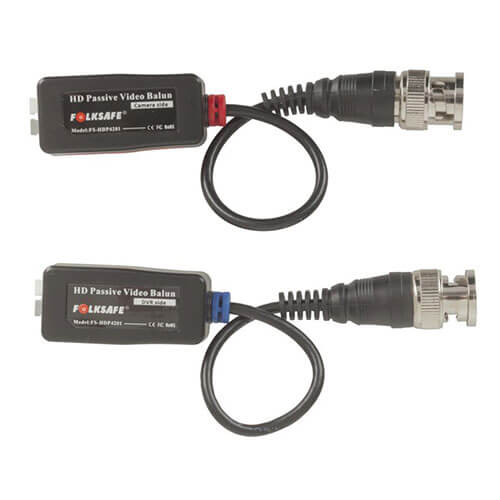
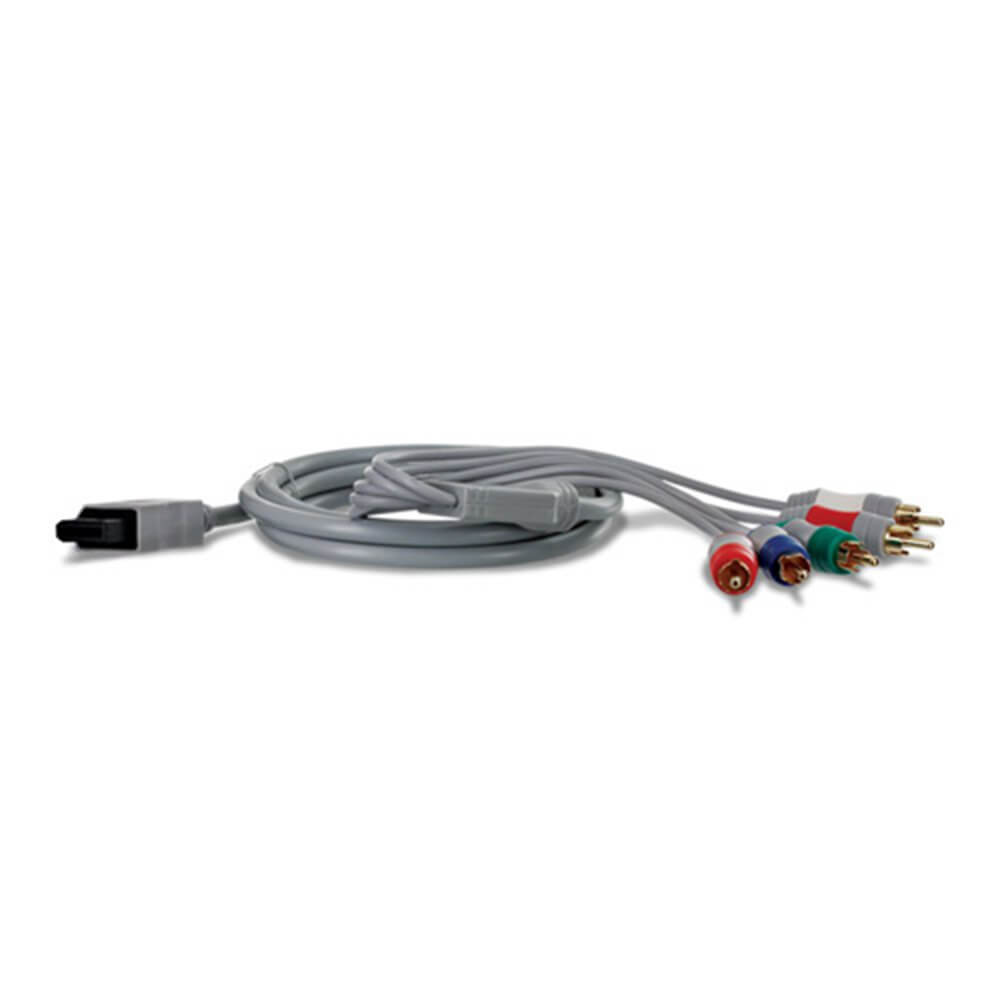
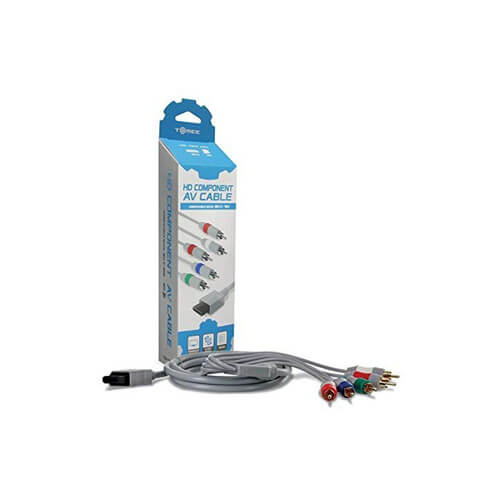
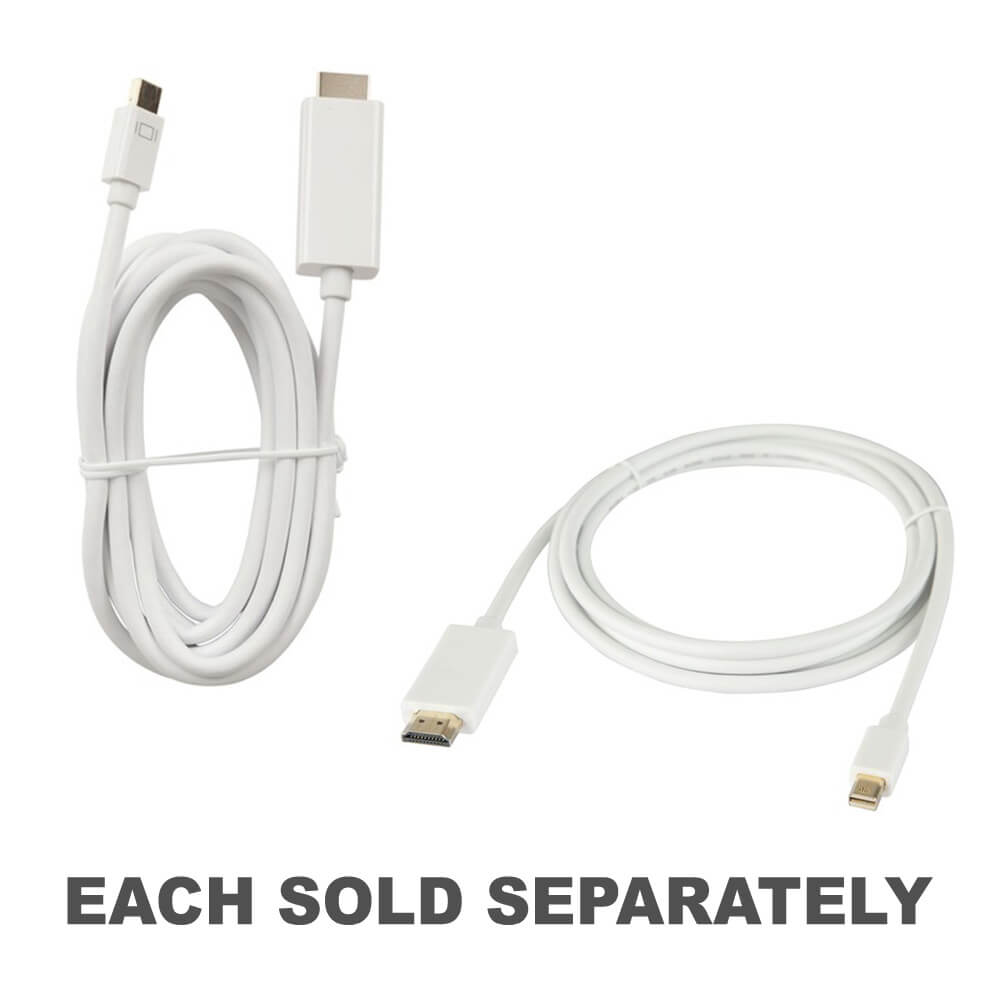
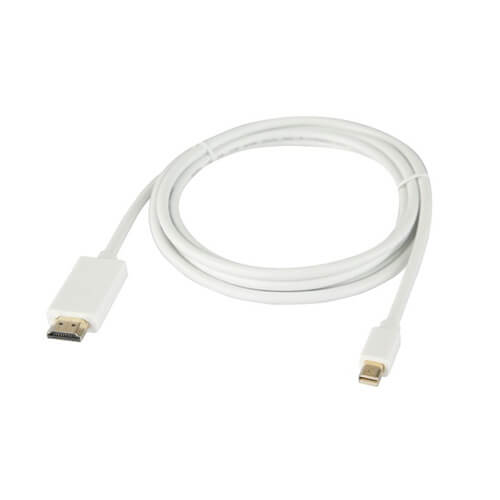
- For home connections, cable ends, signal type and device ports come first.
- For outdoor or work use, power, durability and volume matter more than neat shelf appeal.
- For gifts, pick the sound or connection problem they will reach for.
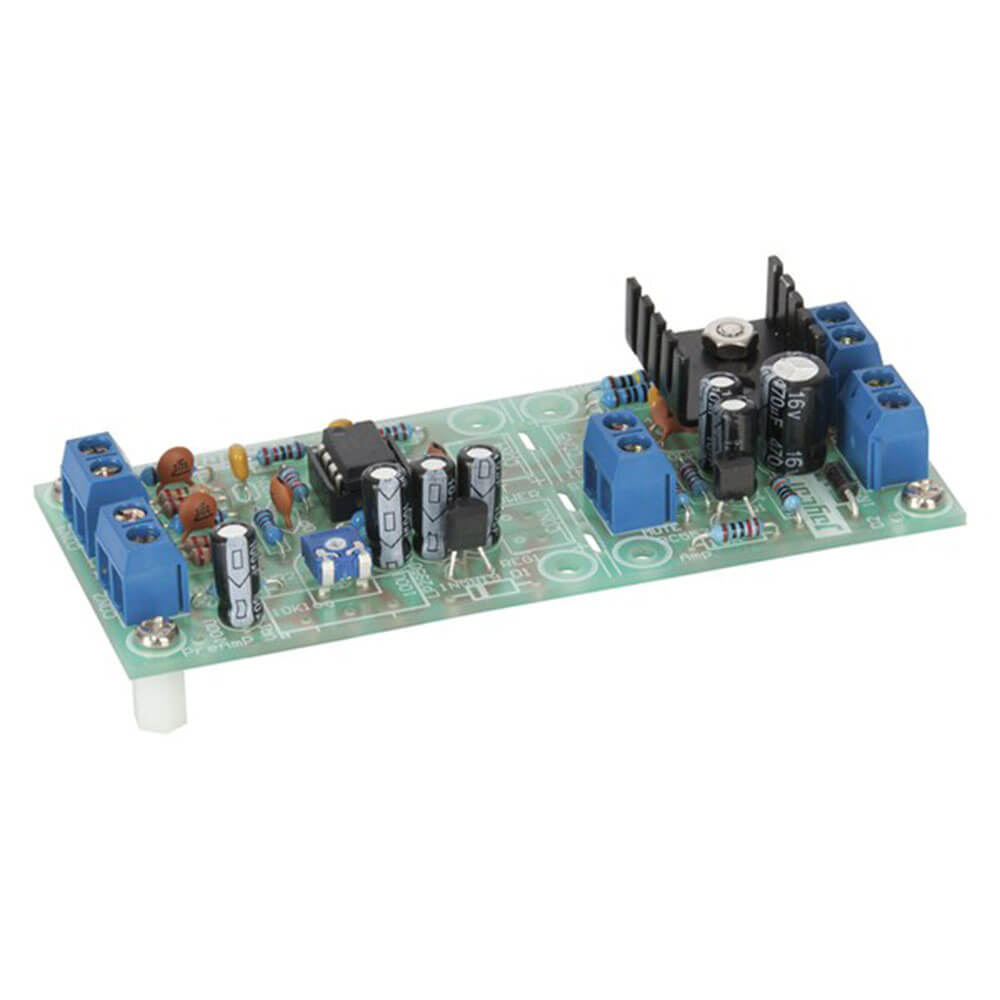
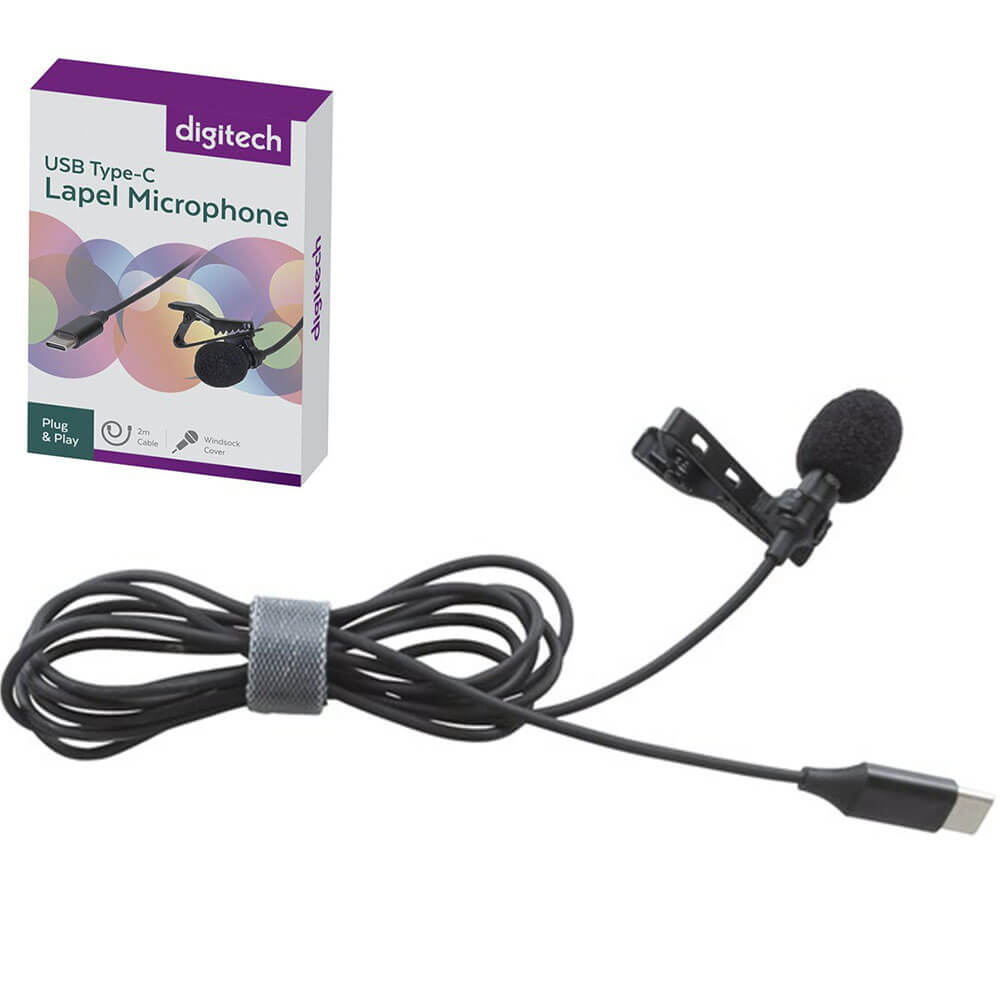
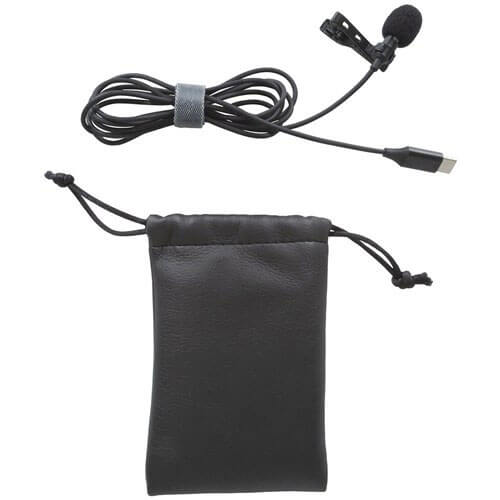
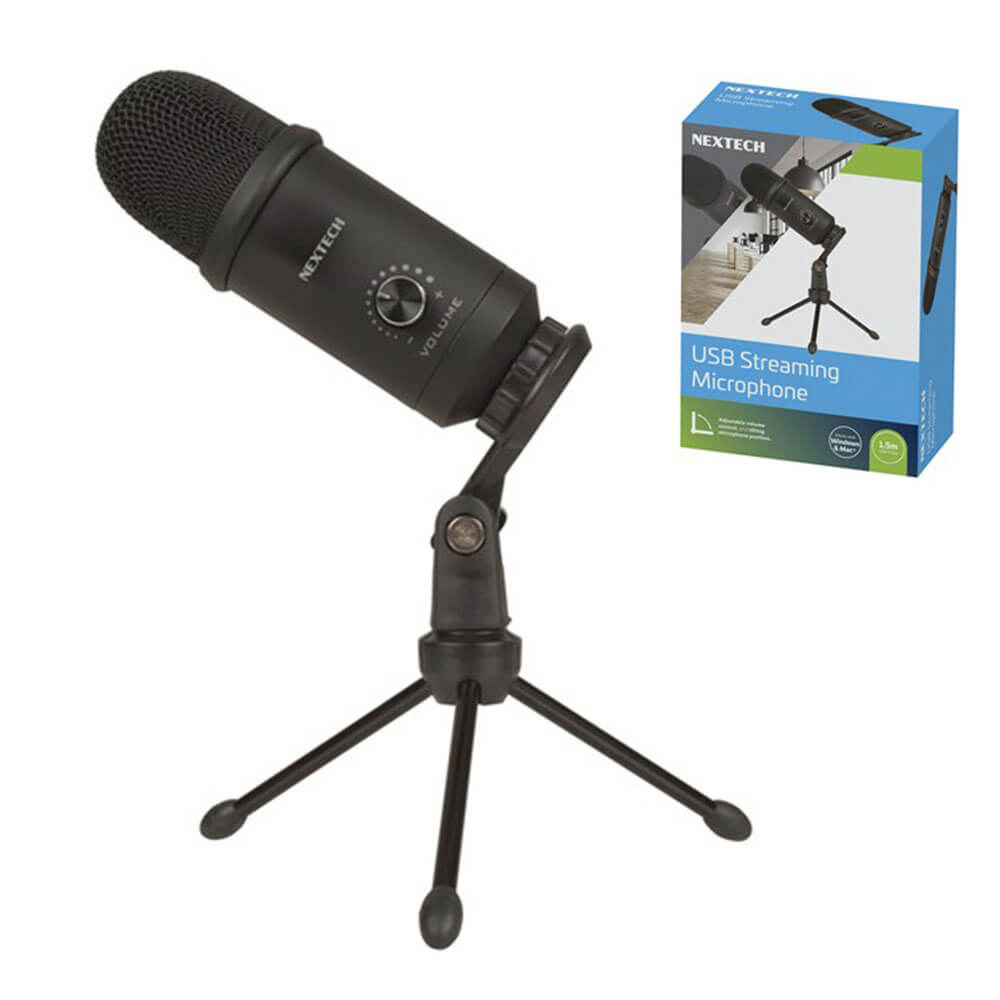
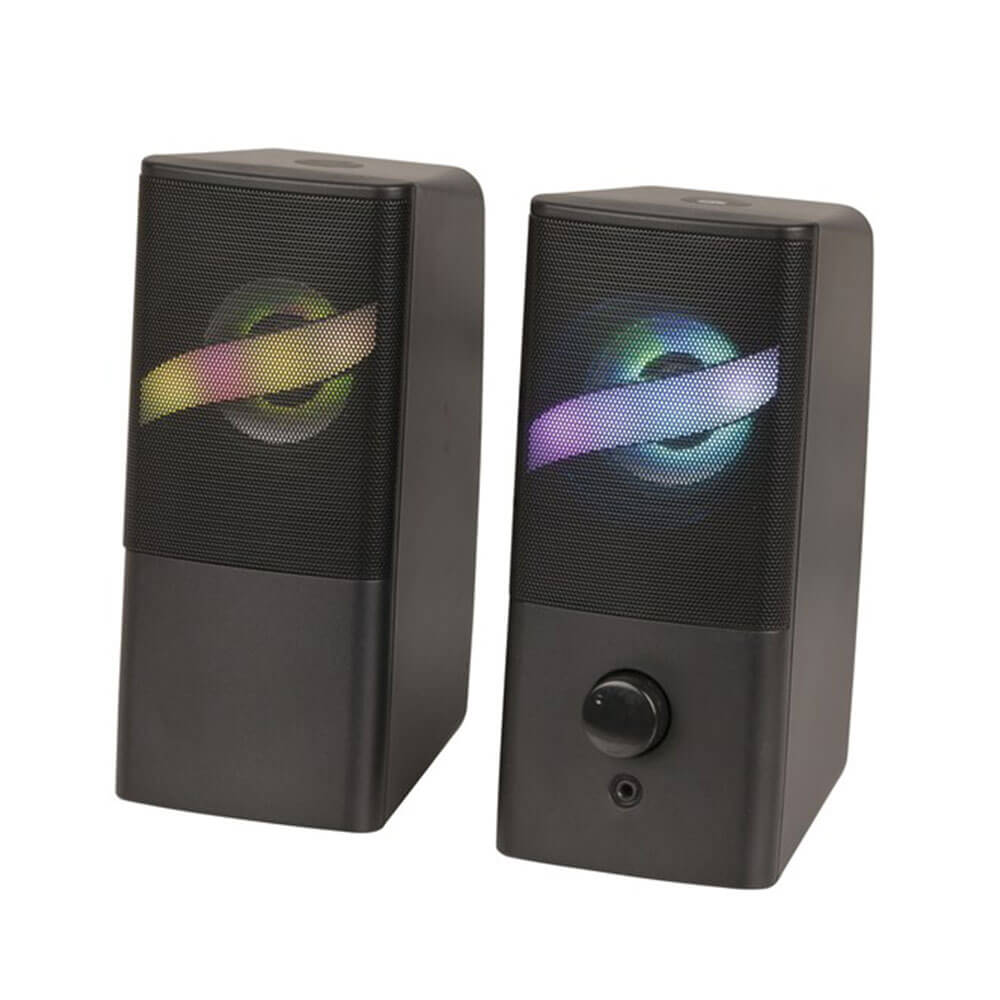
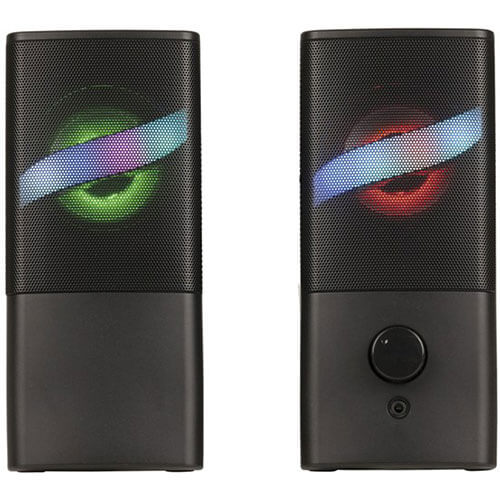
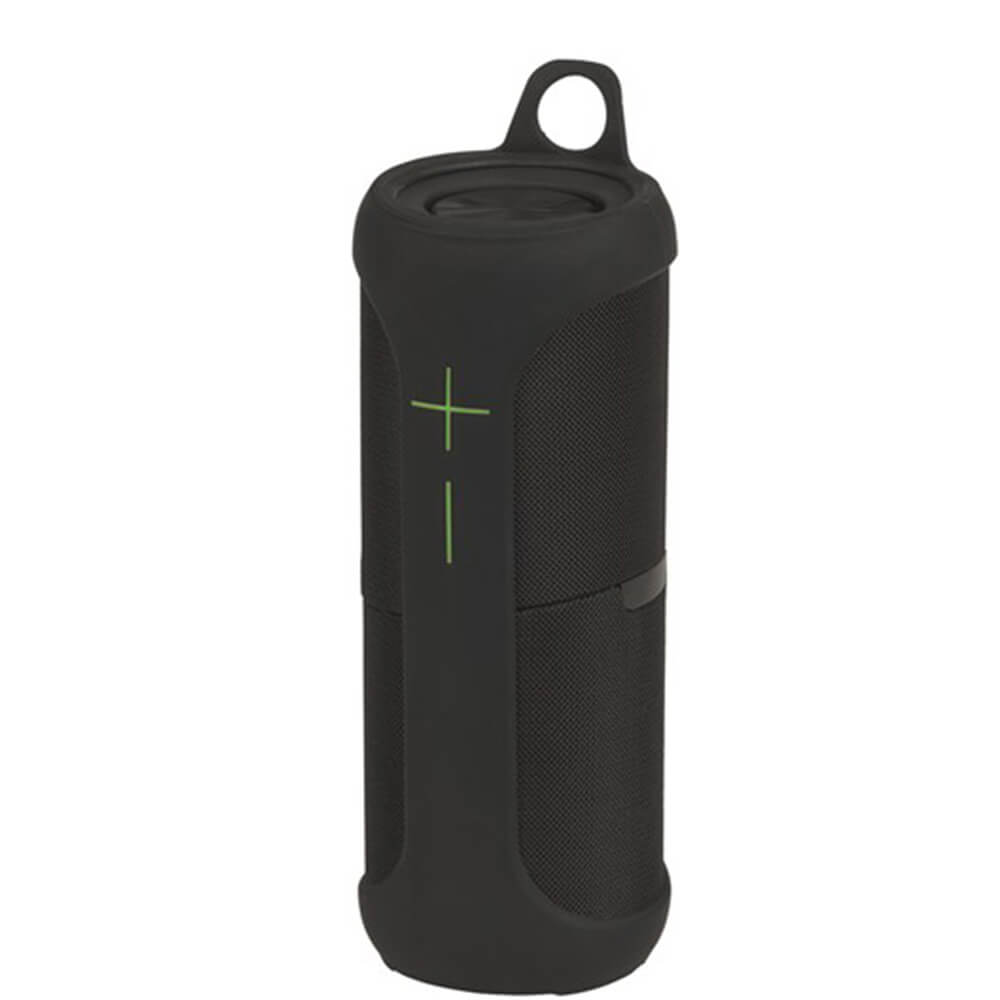
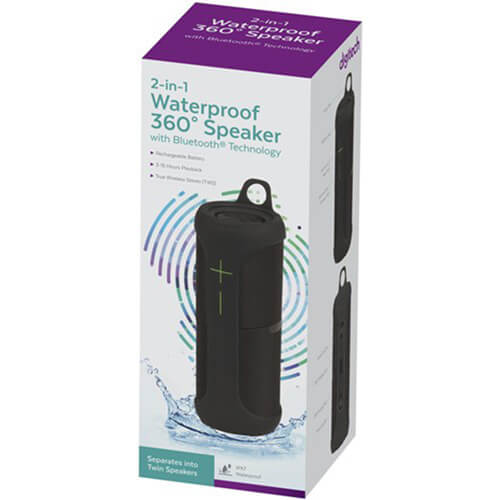
This is a good Audio & Video selection because the products solve very different moments. A waterproof Bluetooth speaker is a fun travel or shed companion. A world-band radio is for a more specific listener. A megaphone is practical, hilarious or completely unnecessary depending on the recipient, which is exactly why fit matters. If the product is a lead or meter, treat compatibility as the main character, not the afterthought.
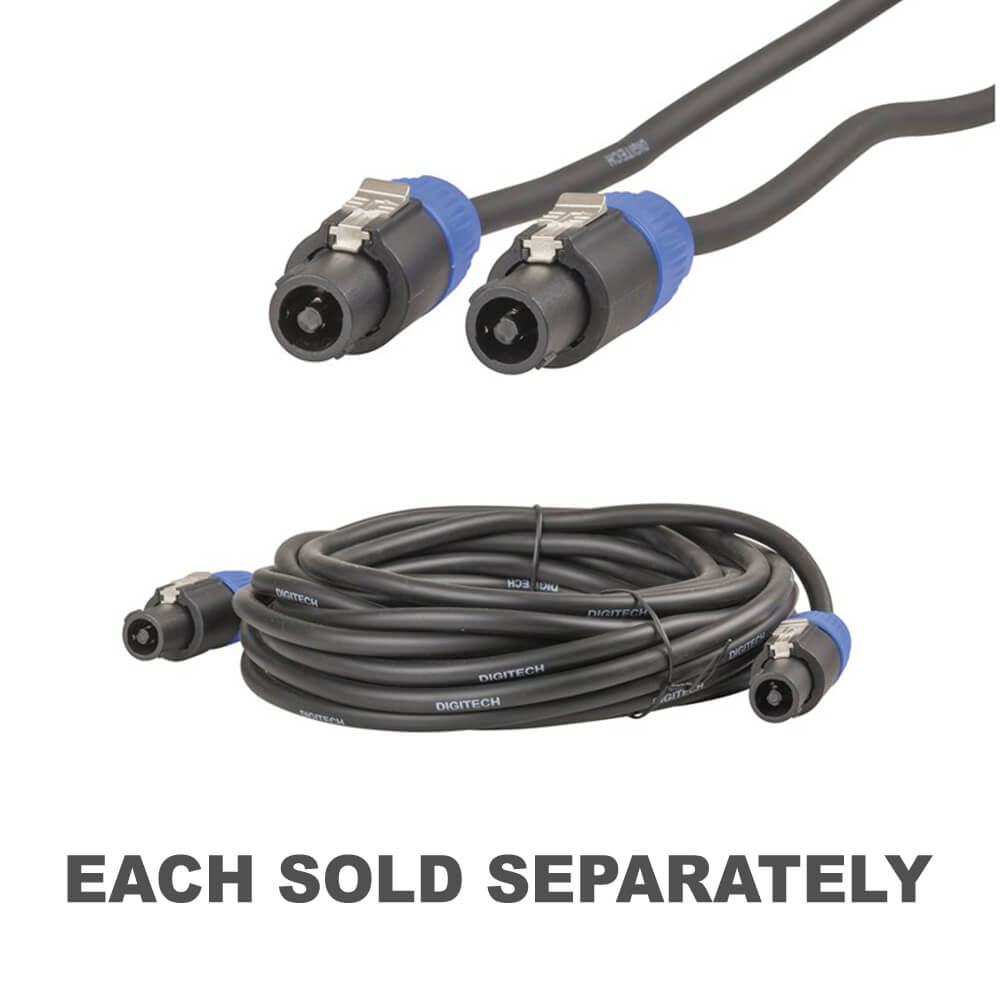
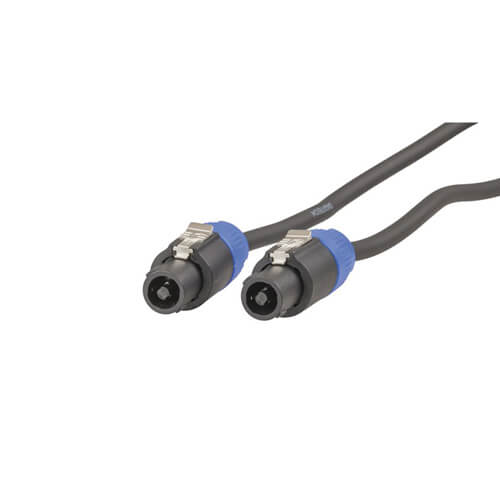
If the missing piece is a lead, go straight to Cables. For power support, compare Batteries & Chargers or Travel Power & Charging. For broader practical tech discovery, Gadgets is the wider playground.
What audio or video accessory should I choose first?
Choose by use: portable listening, radio reception, connection lead, home setup, work PA or outdoor sound.
Are radios and speakers good gifts?
They can be excellent when the recipient has a clear use for them, such as shed listening, travel, camping or home audio.
How do I avoid buying the wrong AV cable?
Check both connector ends, cable length, signal type and the devices being connected.
For a stronger shortlist, look for the clever fix, compatibility detail, small surprise or personality match that makes the choice feel deliberate.